
This is probably the most mechanical I’ve had to be with or Tesla in nearly 60,000km. T
 FB
FB
omorrow we’re off on a road trip to Sydney, in part for the Fully Charged Show’s Everything Electric expo.
In a recent rain downpour, our conversation went something like:
Tom: The wipers aren’t very clear.
Francis: Didn’t you order new wipers?
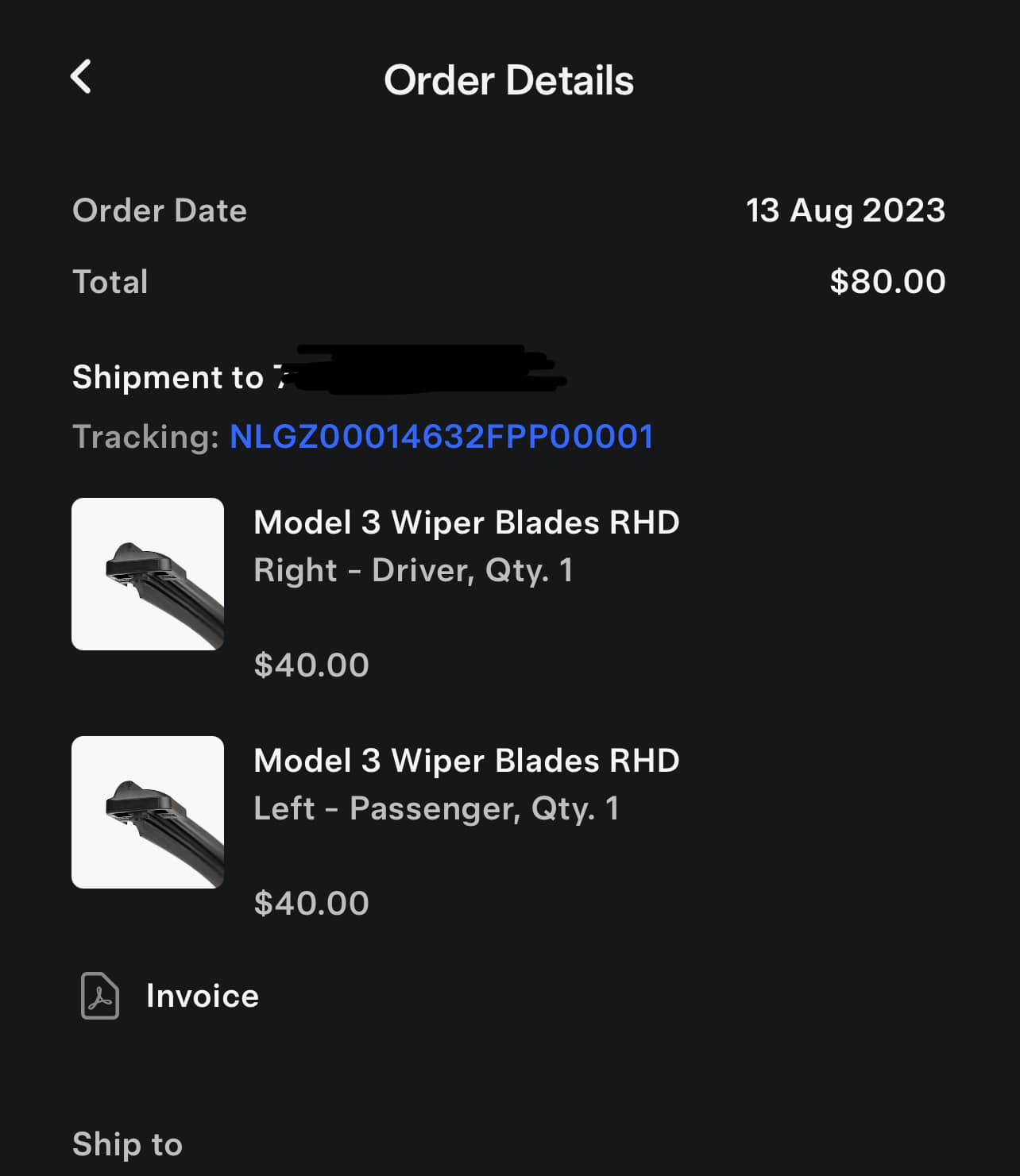
Tom: Yeah, a few months ago.
Francis: Oh yeah, I remember seeing it in the boot.
Francis: Have you actually installed them?
Tom: No. they’re still in the boot. Have been for about the last 20,000km, including our last trip to North Queensland.
Francis: 🤦♀️
Anyway, now they’re installed.
Pretty straightforward:
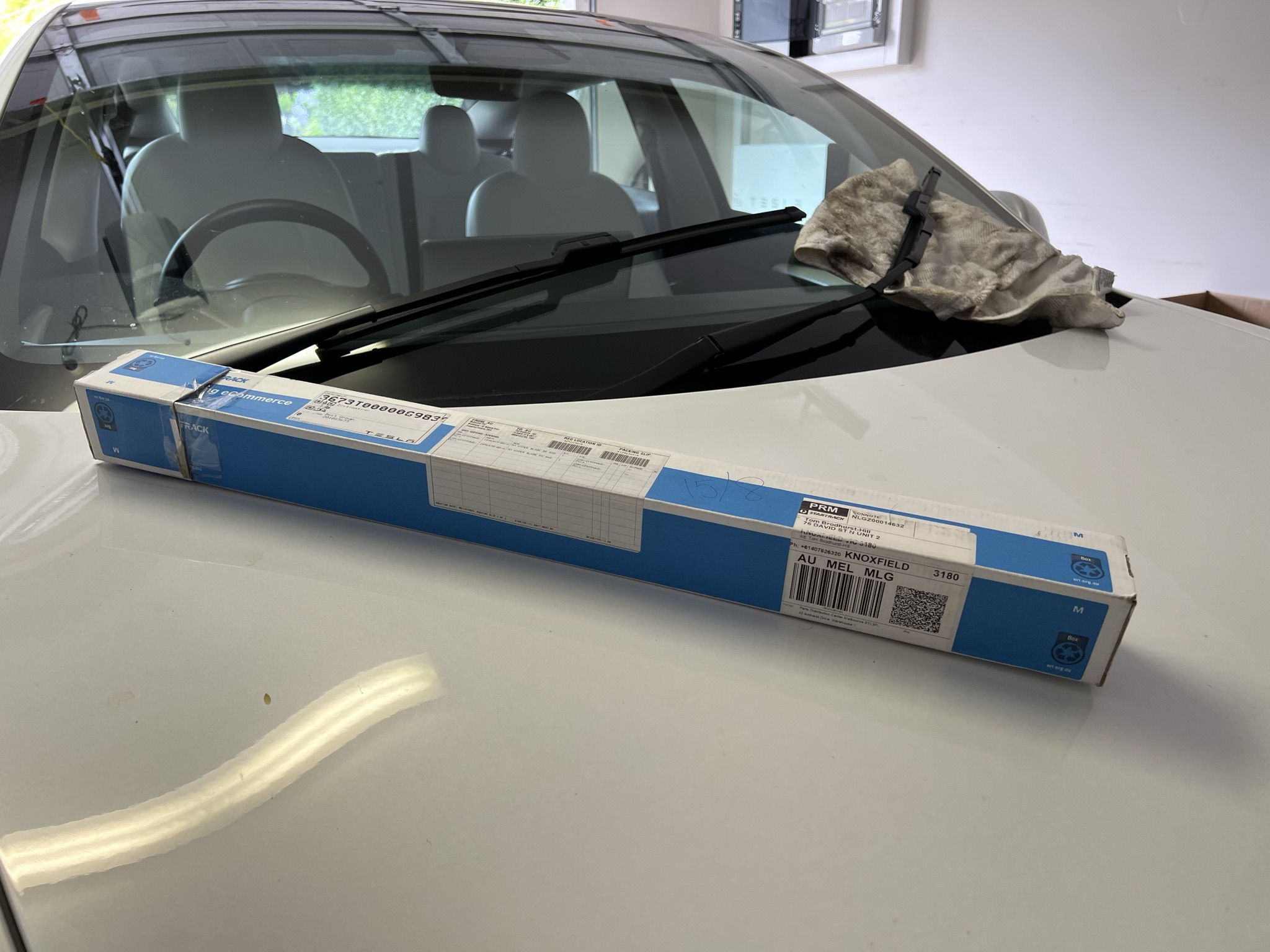
1. Order online via the Tesla app.
2. Receive package.
3. Place package in boot for a few months (optional).
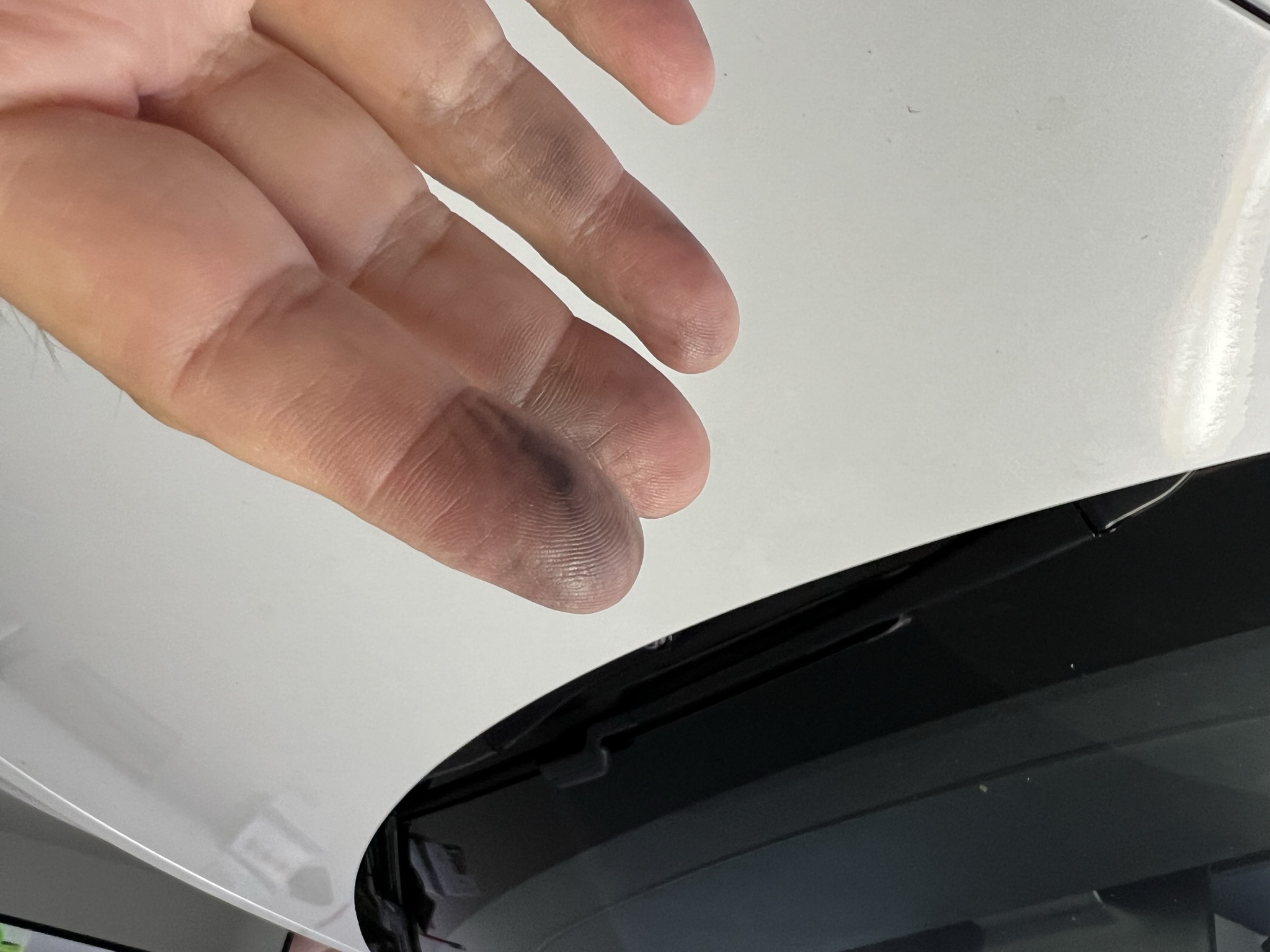
4. Remind yourself each time it rains that you really must fix that smearing on the windscreen.
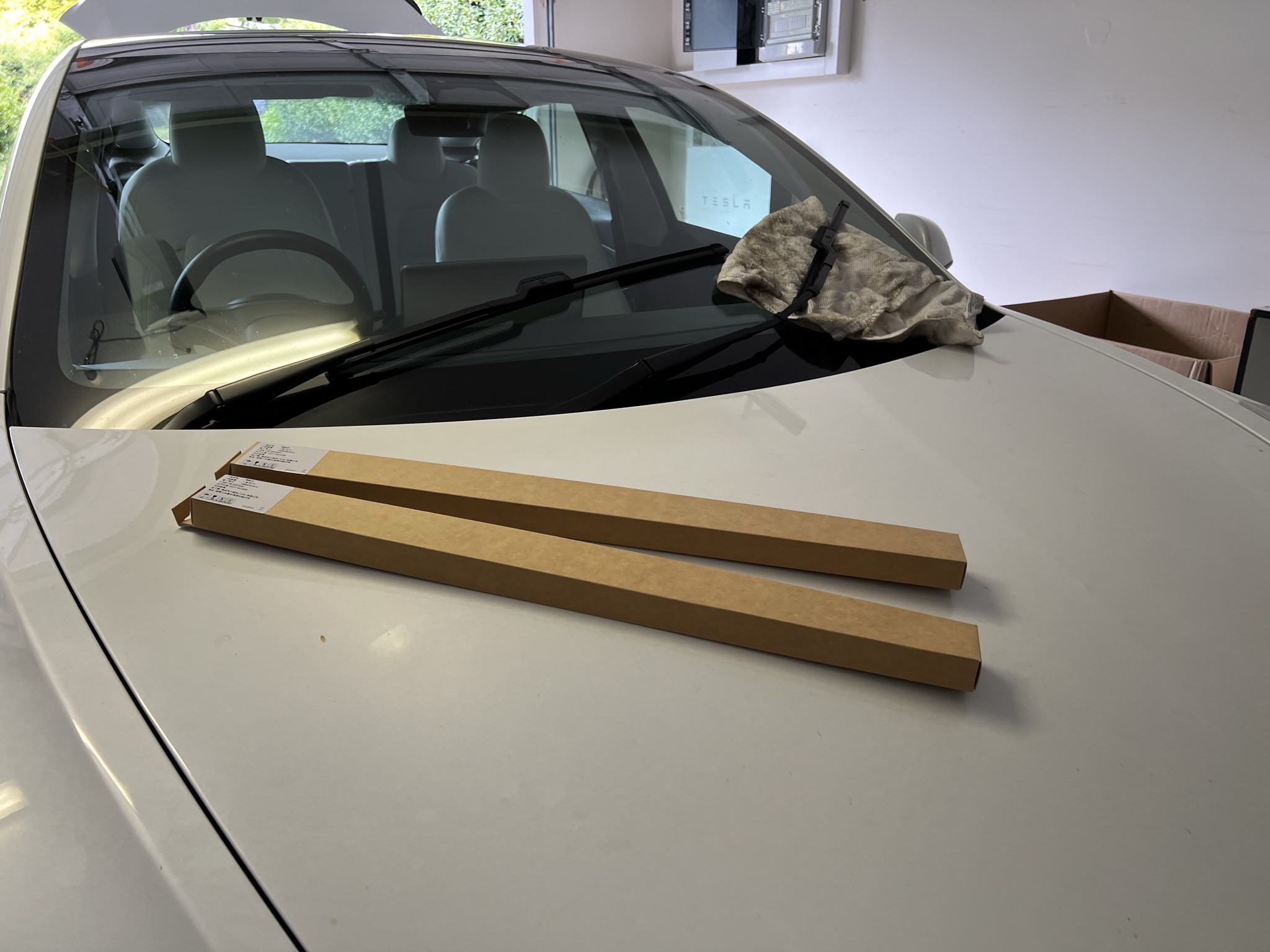
5. Finally, remove from boot and open box.
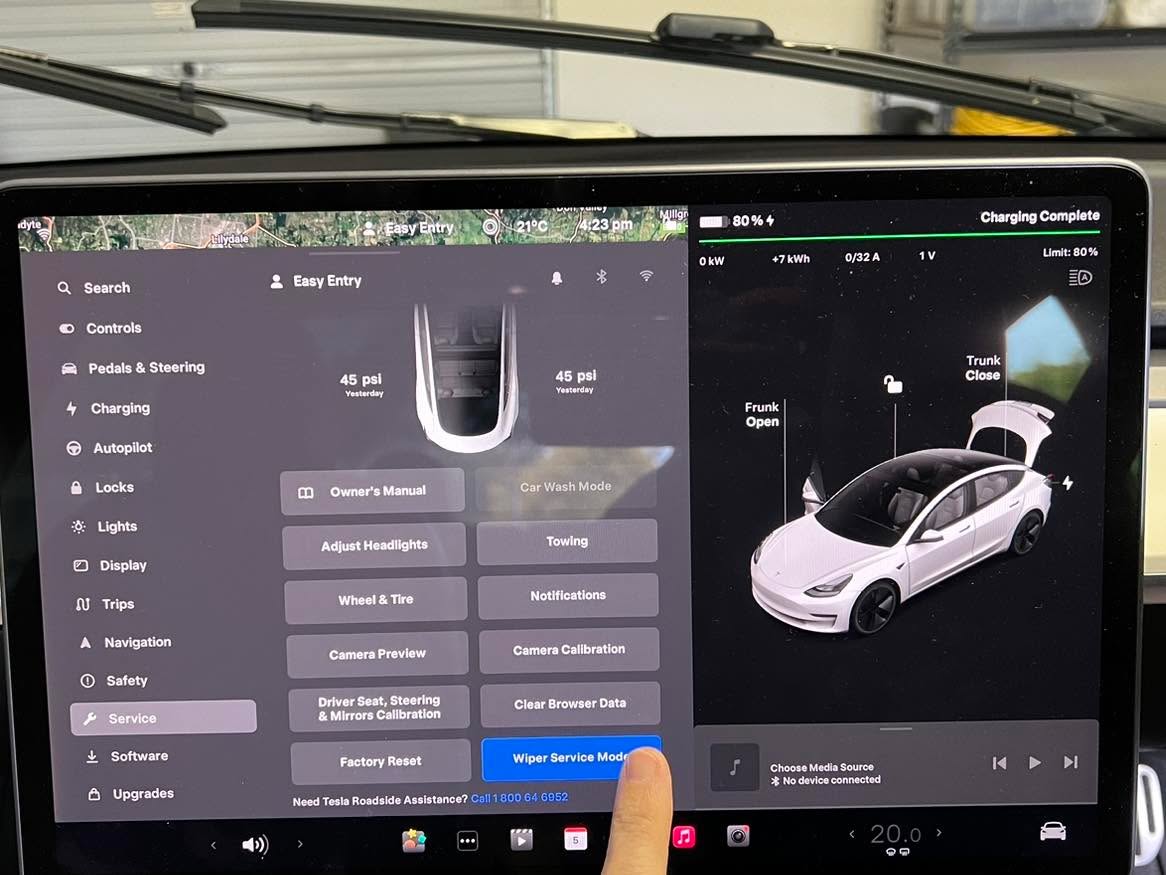
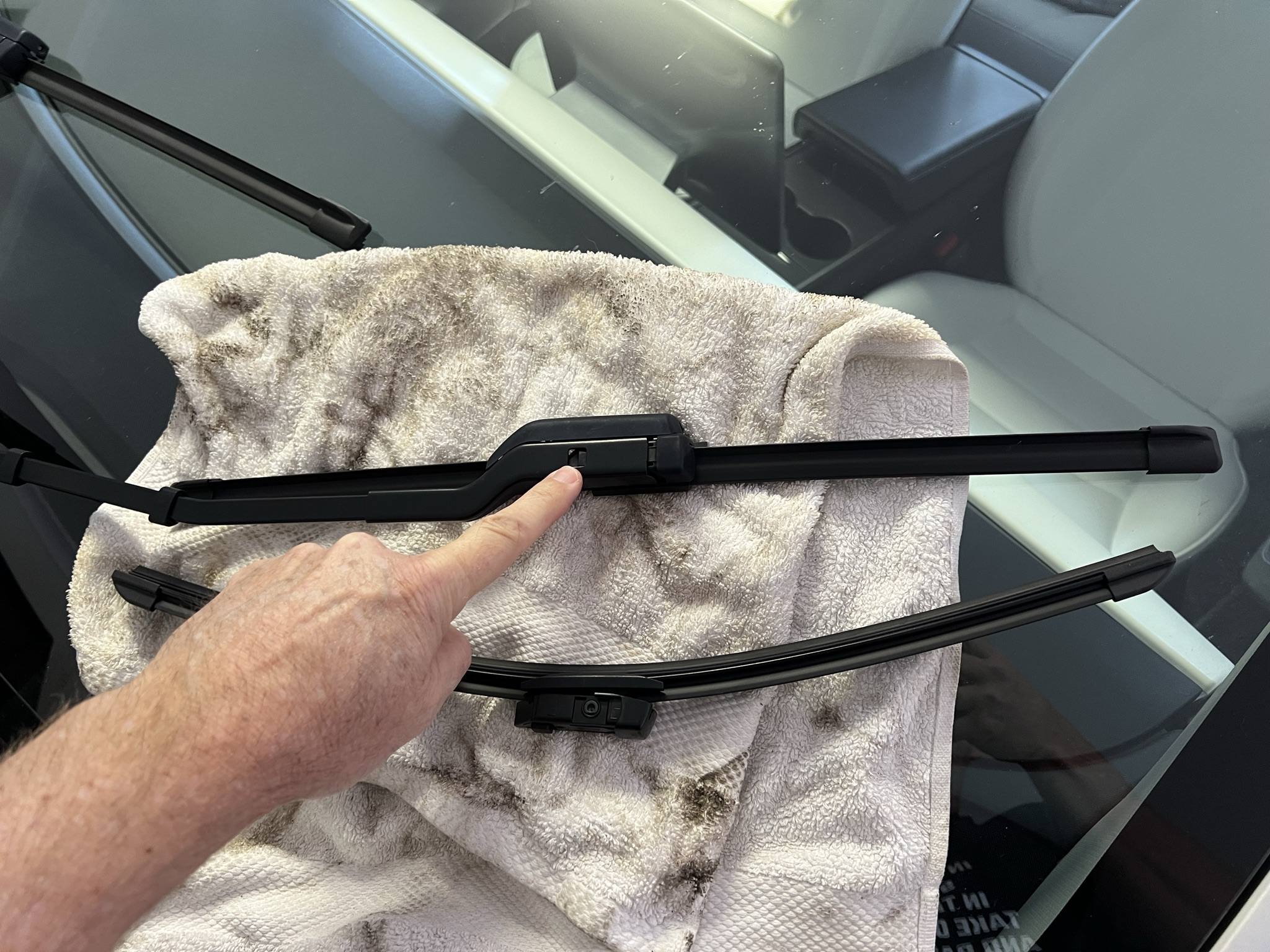
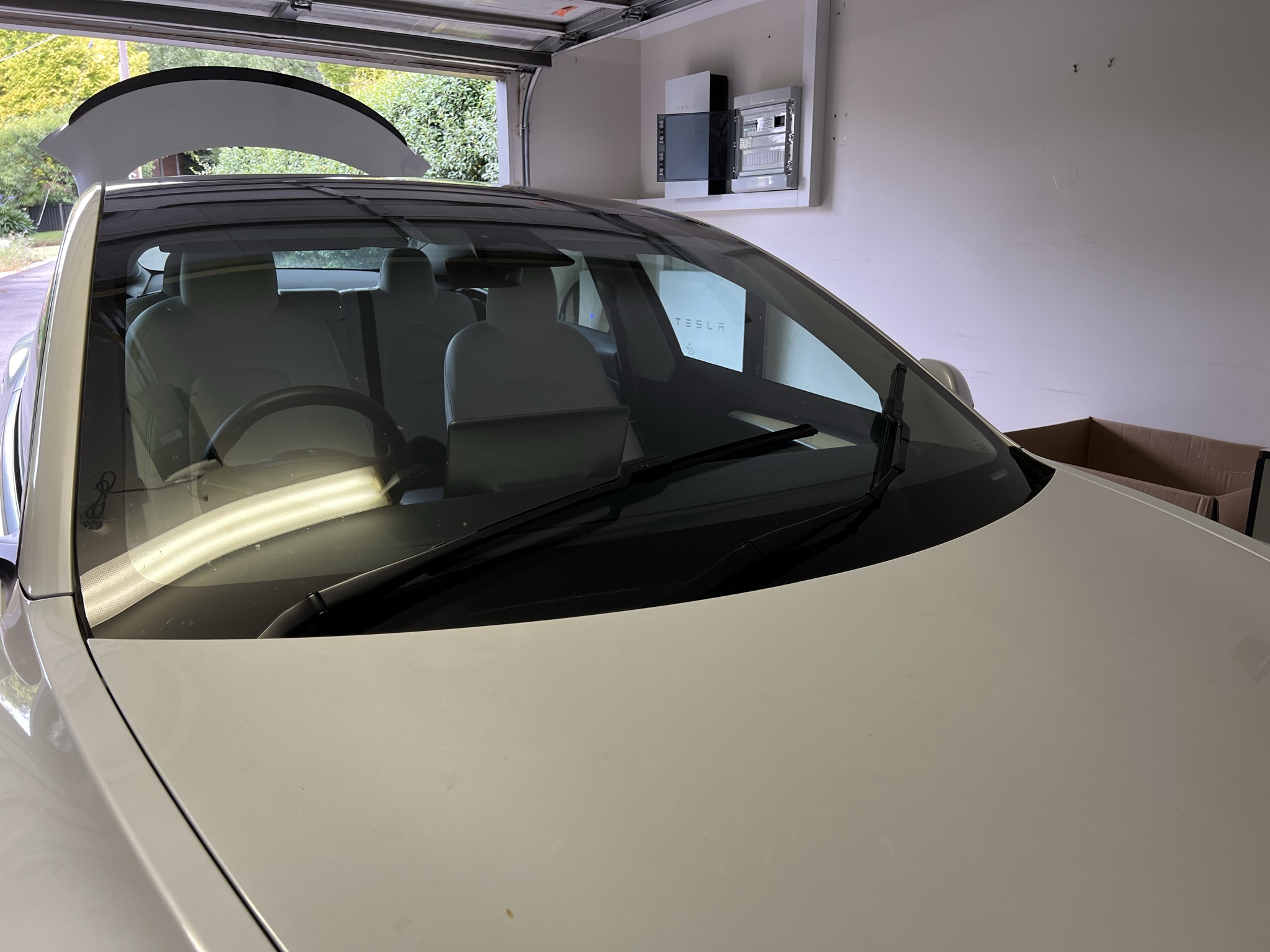
6. In the Tesla, in the `Service` menu, press `Wiper Service Mode`. The wipers move up to be accessible.
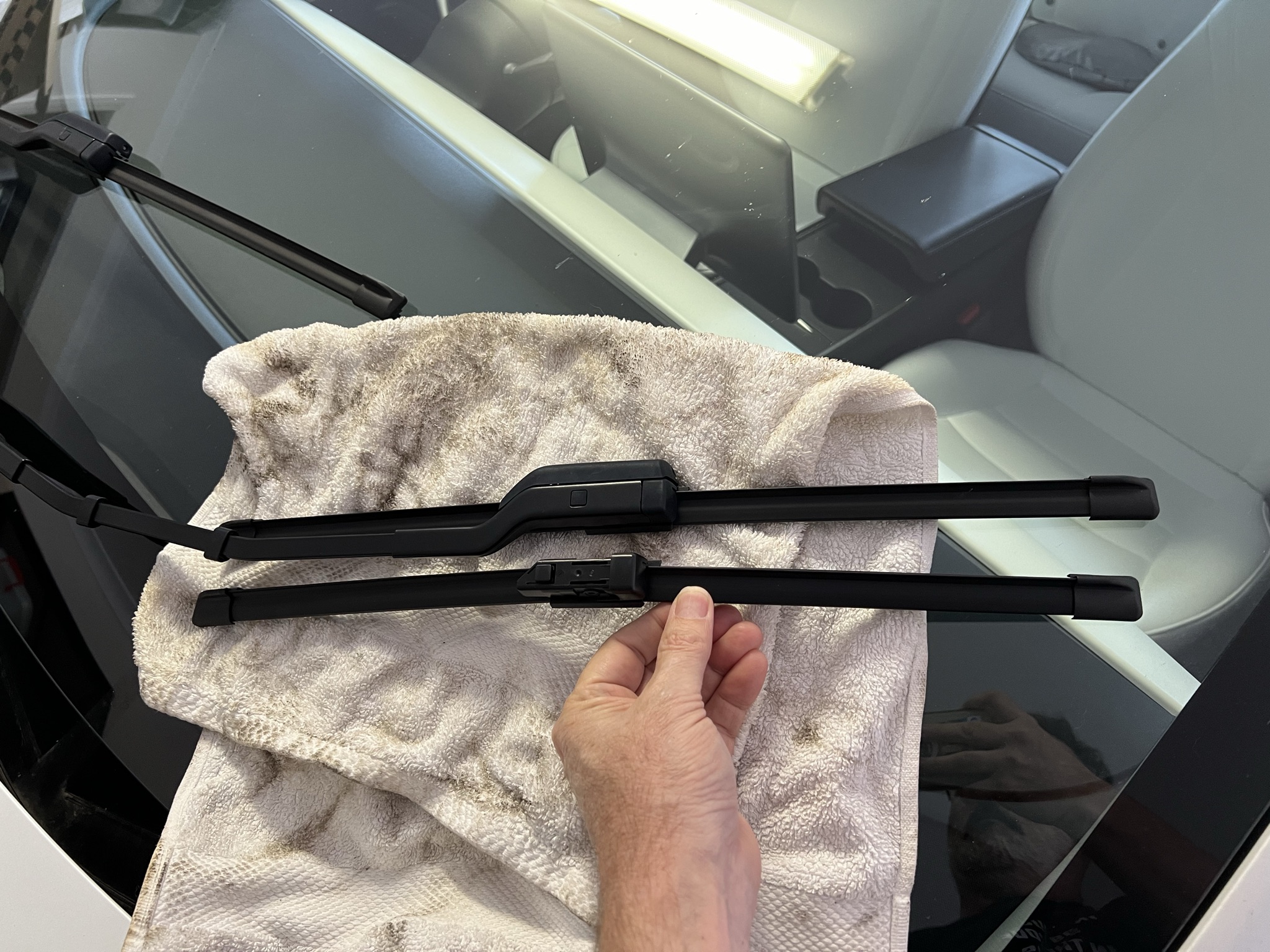
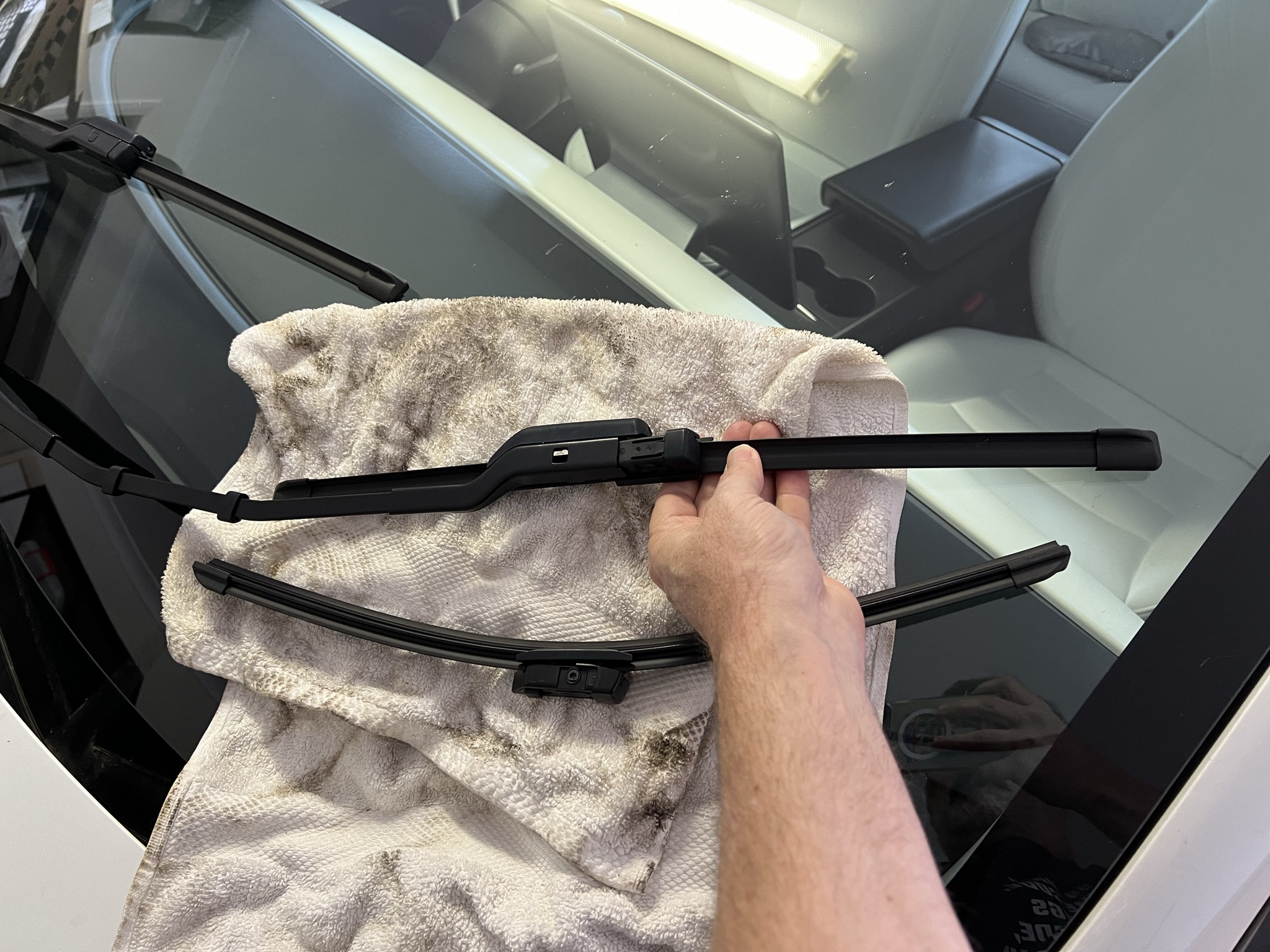
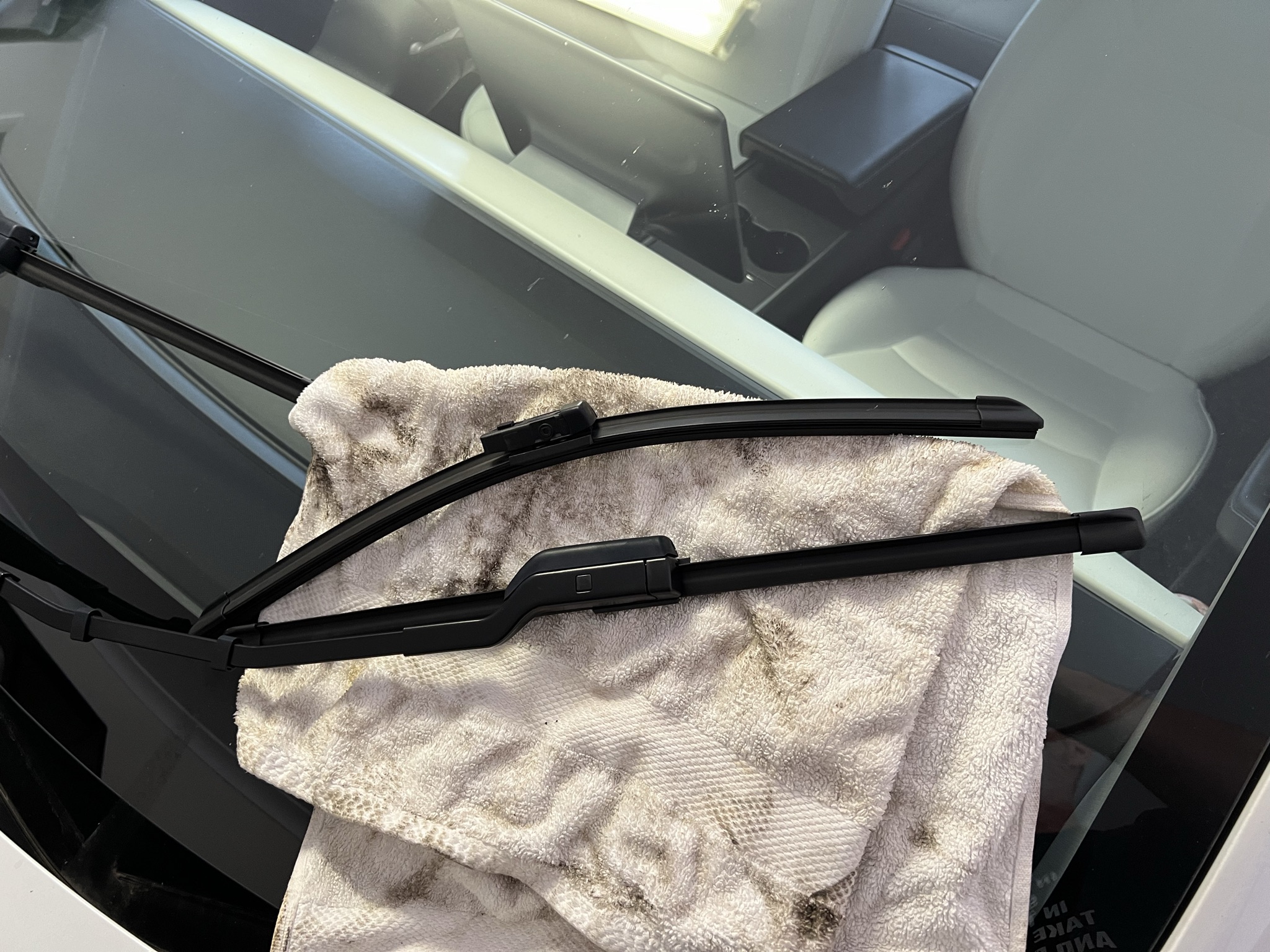
7. Place a cloth between the wiper and the glass, to avoid scratching.
8. Press the release button in the wiper and pull it out of the bracket.
9. Insert the new wiper. Takes a bit of wiggling and alignment.
10. Repeat for the other wiper.
11. Press the on screen button again to disengage `Wiper Service Mode`.
12. Congratulate yourself on being so mechanically savvy.